
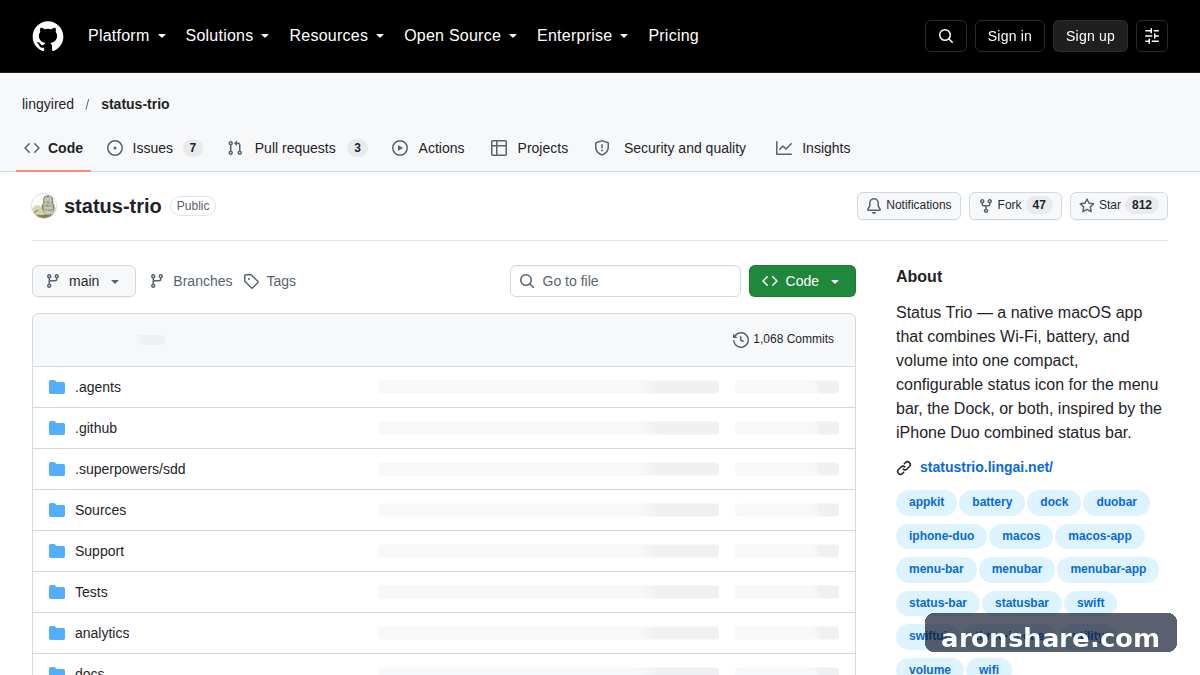
Status Trio 是一款开源 macOS 菜单栏工具,把原本分开的 Wi-Fi、电池和音量整合进一个状态图标。它可以放在菜单栏,也可以放进 Dock,或者两个位置同时显示。
官网 statustrio.lingai.net
资源档案
- 支持平台
- macOS / iOS
- 收费方式
- 免费增值
- 开源协议
- Apache-2.0
- 收录时间
- 2026-10-19
Status Trio 是什么
Status Trio 是一款开源 macOS 菜单栏工具,把原本分开的 Wi-Fi、电池和音量整合进一个状态图标。它可以放在菜单栏,也可以放进 Dock,或者两个位置同时显示。
Status Trio 目前支持 macOS / iOS,收费方式为「免费增值」。安装前建议先到官方渠道确认最新的系统要求与授权条款。
主要功能
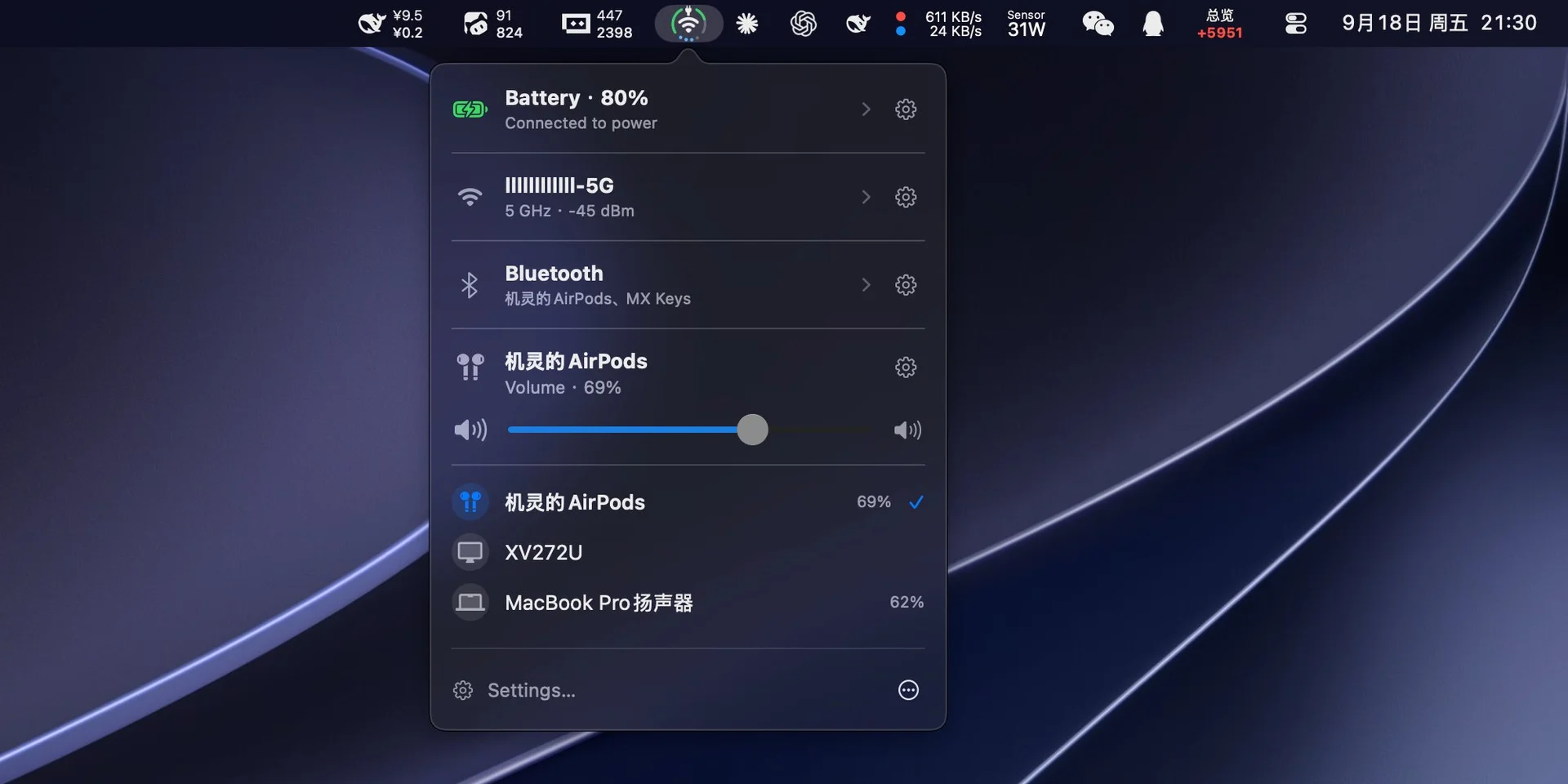
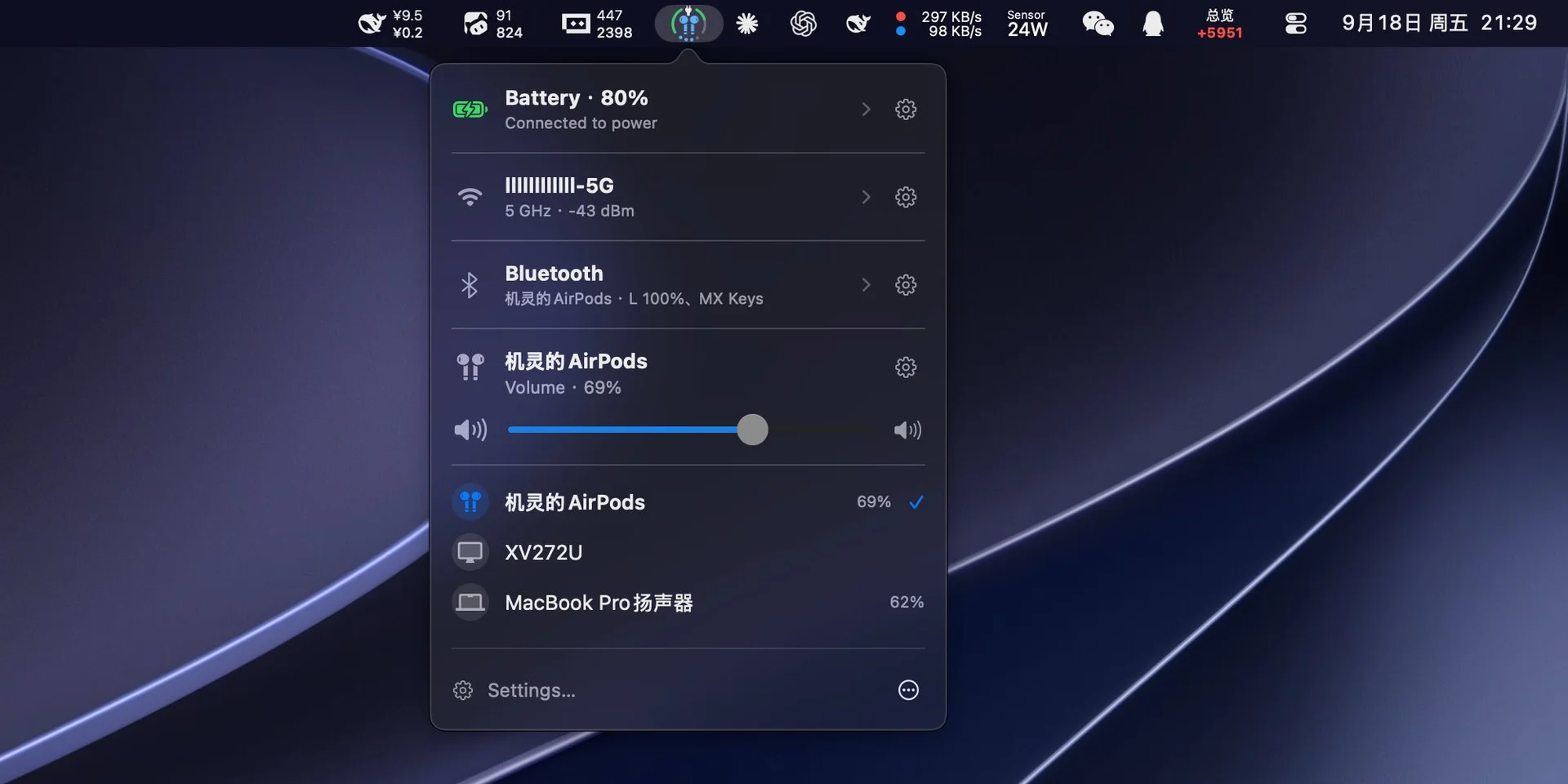
- One icon, three signals — battery, Wi-Fi, and volume share one icon in the menu bar, the Dock, or both, and a Bluetooth device that is playing can take the middle spot with its own symbol.
- Bluetooth — the volume indicator turns blue while it plays. The panel lists paired devices you can tap to connect or disconnect, shows battery levels by default, and stays off until you enable it.
- Battery — percentage, charging or plugged in, time to full, and a color when it runs low. Open the row for adapter power, voltage, current, cycle count, and Low Power Mode.
- Wi-Fi — the network you are on and how strong the signal is. Open it to see nearby networks, check the link details, or switch Wi-Fi off. Switching between networks happens in the Wi-Fi pane of System Settings.
- Volume — level, mute, and the output device, drawn as dots or an arc. Scroll the whole panel or just the control, and pick which direction turns it up.
- Make it yours — icon size, symbol scale, ring thickness, status colors, and which sections the popover shows, in the order you want.
- Menu bar, Dock, or both — and the Dock icon can follow the system style or stay dark or light.
- Native on macOS — left-click opens the popover, right-click opens the menu, and a first-launch guide explains each part of the icon. Ethernet, a hotspot, or Internet Sharing can keep the Wi-Fi glyph if you prefer.
功能介绍与安装命令摘录自项目官方 README,最新用法以官方文档为准。

获取渠道
均为官方或作者公开渠道,下载安装前请留意系统版本与权限提示。
官网
访问 ↗ 官方网站
statustrio.lingai.net
Git
查看 ↗ GitHub 源码仓库
lingyired/status-trio
包
下载 ↗ Releases 安装包
预编译版本与更新日志
macOS 提示“已损坏,无法打开”:确认来源可信后,在终端执行
xattr -dr com.apple.quarantine /Applications/应用名.app
相关资源
 平台软件应用
 Juicy Mac 电池管理工具,支持自定义提醒与充电限制
Juicy 是一款常驻 macOS 菜单栏的Mac 电池管理工具,支持自定义电量提醒、电池健康追踪和充电限制。
 平台软件应用
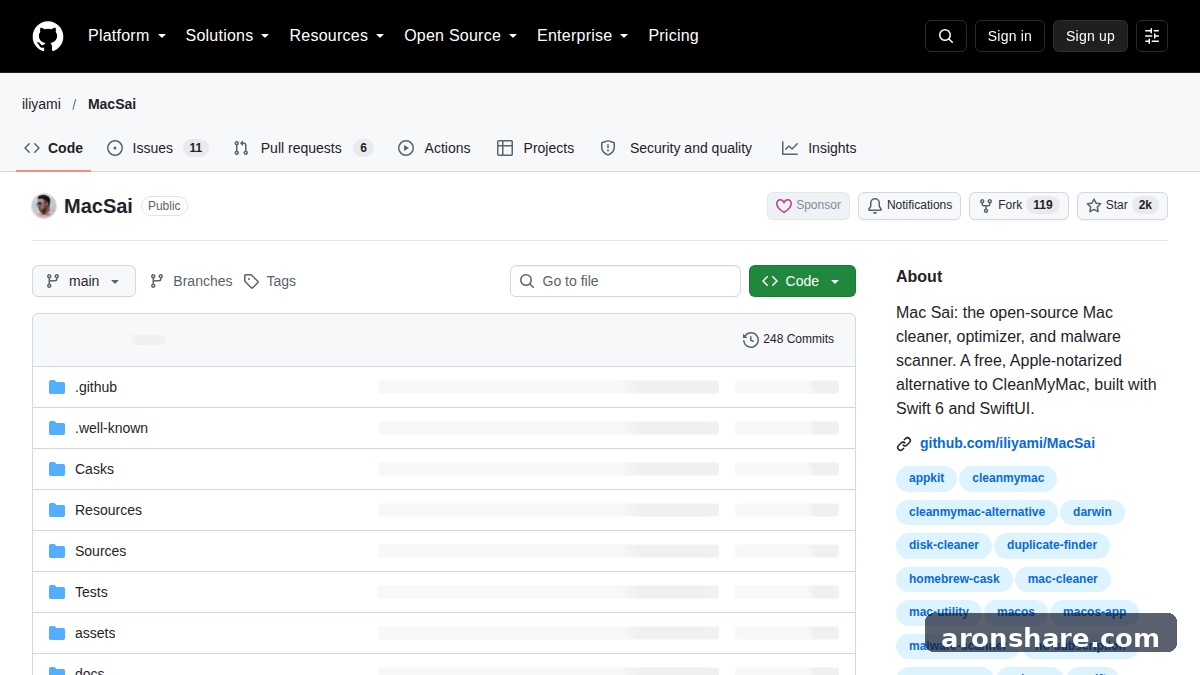
 Mac Sai CleanMyMac 免费替代,开源无订阅的 Mac 清理工具
Mac Sai 是一款免费开源的 Mac 系统维护工具,可以作为 CleanMyMac 免费替代方案来用。
 平台软件应用
 M3U8播放器怎么用?M3U/M3U8 文件和链接打开教程
M3U8播放器不用选得太复杂。
 平台软件应用
 Speech To Markdown 本地语音转 Markdown,Mac 与 iPhone 版有何不同?
Speech To Markdown 是一款本地语音转 Markdown 工具,可以把零散口述转成带有标题、列表和段落结构的 Markdown 笔记。